Apex Channels 1.0
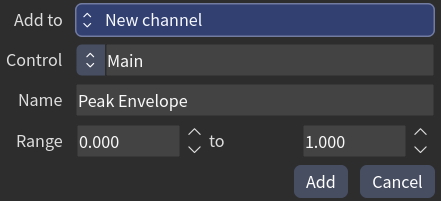
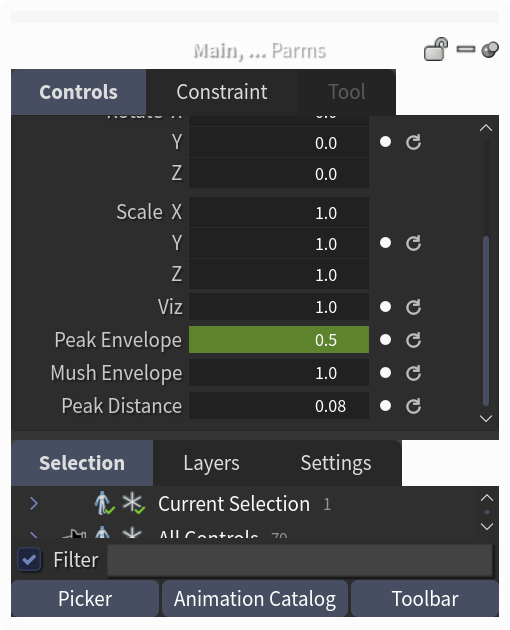
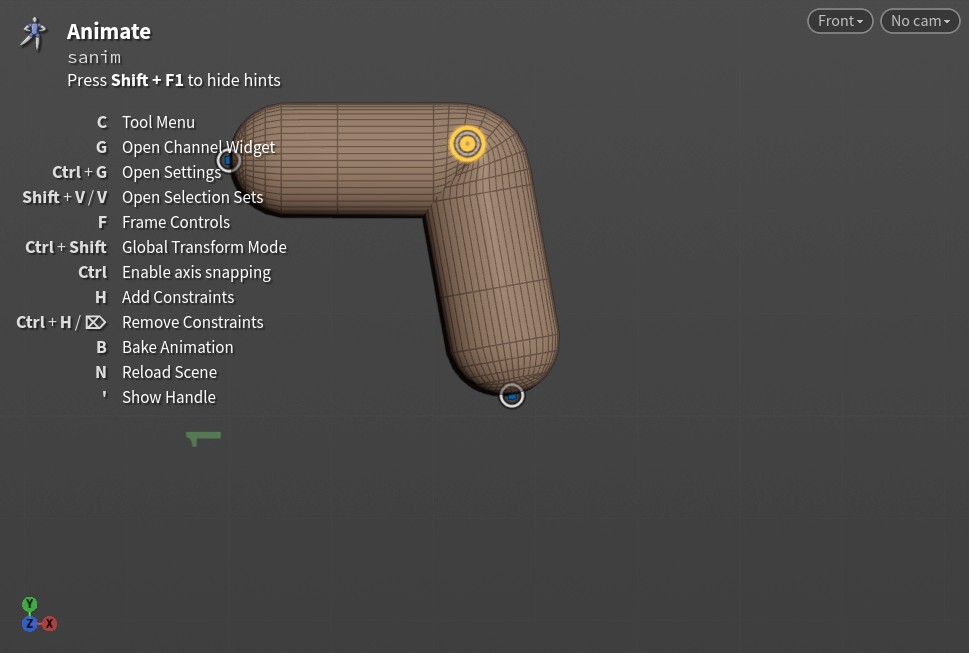
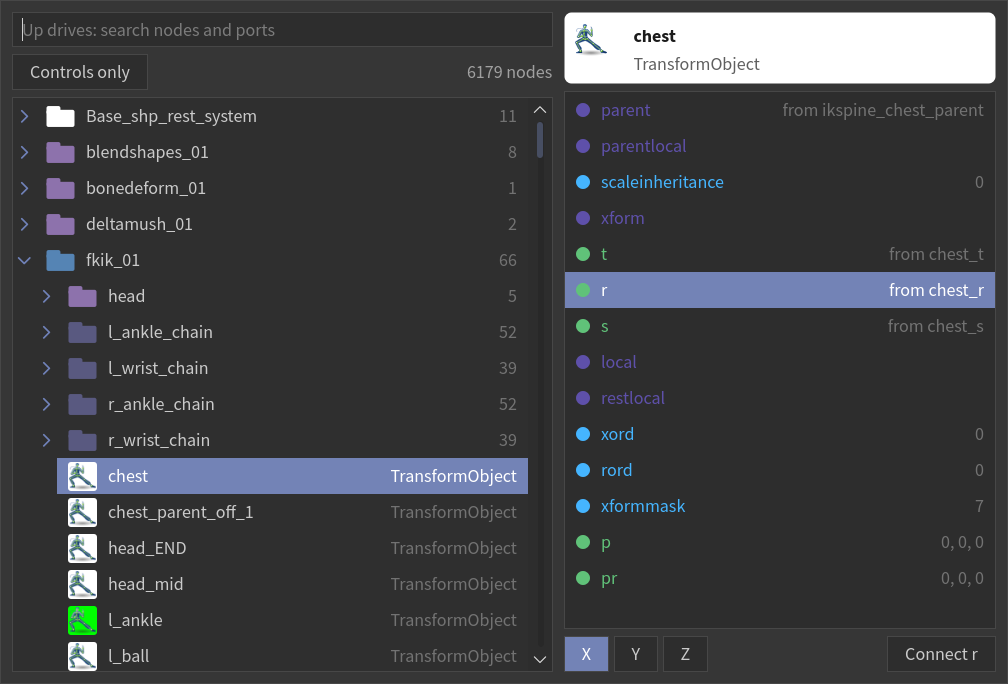
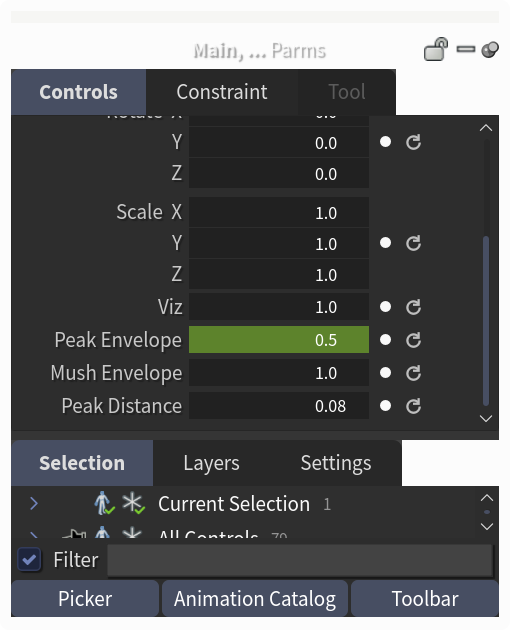
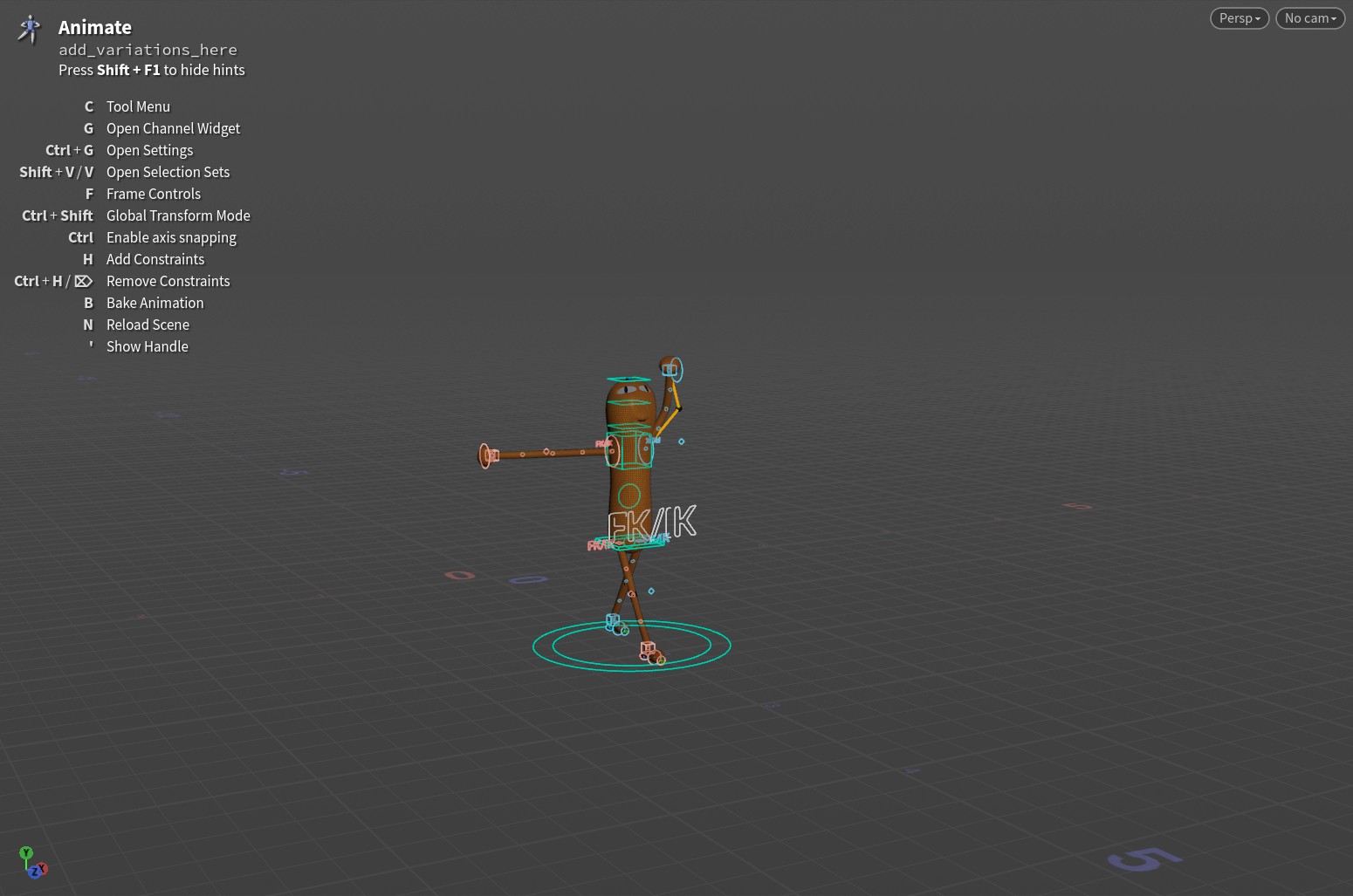
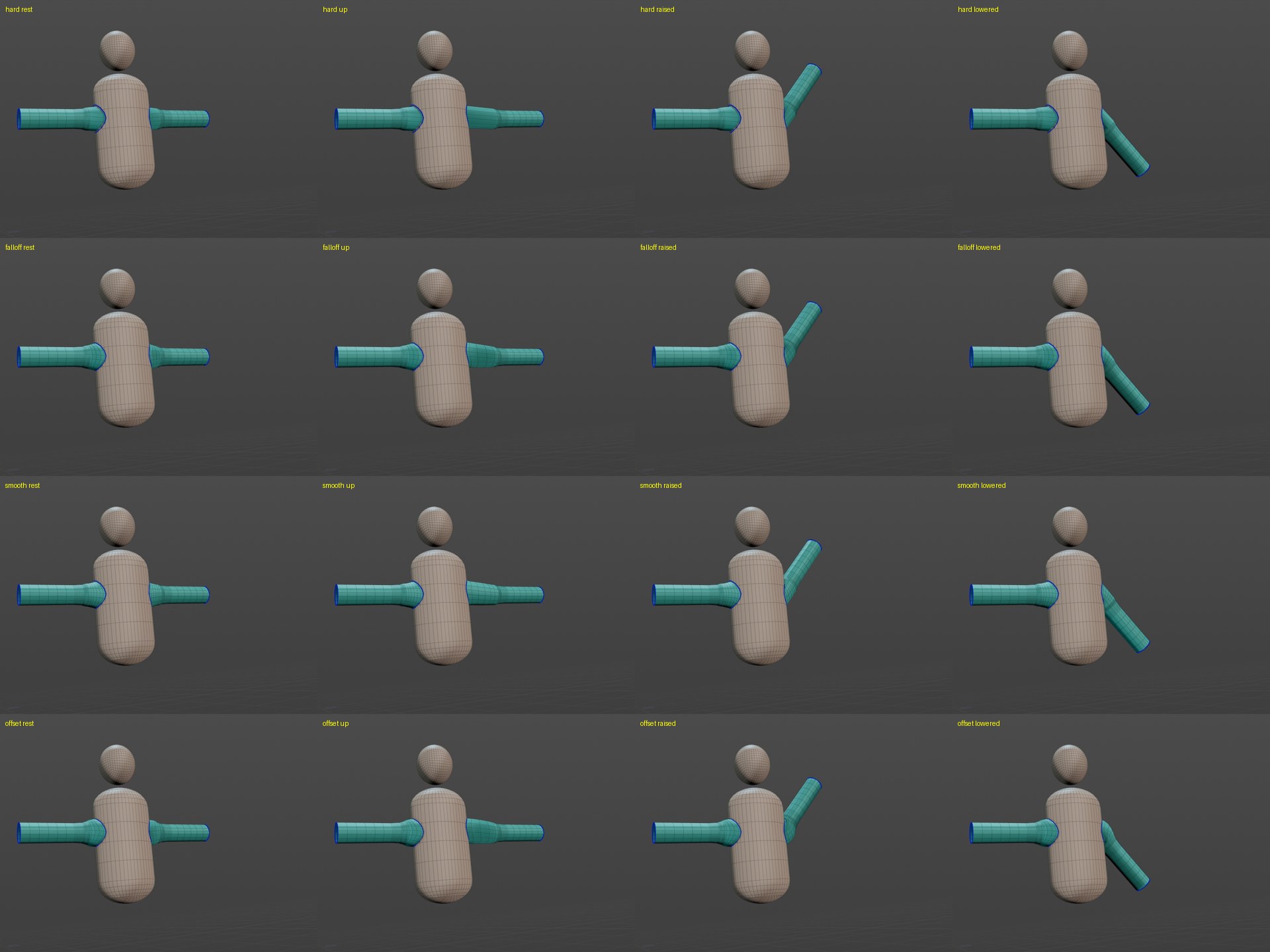
Without it a setting like a Peak distance or a Smooth amount is a parameter you can't key in Animate, so you can't drive it from a slider or animate it. With it, right-click any number on a node, choose Add Channel, pick the control and a name, and the setting is a keyable channel with its own range. Add Channel is in the Node Panel rows too, and the Add Channels window lists every setting of a chain with an Envelope in one click. The channel stays on the control when you change the node.
- Right-click a number in the parameters or in the viewport panel, then Add Channel.
- One channel can drive many settings.