TumbleRig · release 1.16.0 · 2026-10-13 · changes since v1.15.0

TumbleRig 1.16

Eyes with lids that close clean, controls that stay on a squashed face, a lattice that follows any spline, and hair that rides the final skin. Masks on every deformer, IK chains of any length and shared lip corners that never tear.

2new nodes
5new node versions
9deformers with a mask
15changes shown with pictures
Get TumbleRig 1.16 on TumbleTrove WindowsLinuxmacOSFree on TumbleTrove, the marketplace for Houdini packages. Install it with TumbleTrove Desktop, or with hpm:
hpm add tumblehead/tumblerig@1.16.0
then hpm install. Older node versions stay installed, so saved scenes keep working.
New and updated nodes in 1.16
The big ones

Highlights

Five changes worth knowing first. Each one links to the place further down where it is shown in depth.

Video A blink with the mouse. Rotate the upper lid control on X (the red handle) and the lid closes along a straight line; rotate it back and it opens.
New

Eye rig 1.2: lids that close, lift and stay attached

Lids close along a straight line with no slit, lift off the eyeball without tearing at the corners, and the pupil rides a squashed eyeball without stretching. A pair of eyes is now three aim nodes instead of 57 aim constraints.

In depth in Face and eyes
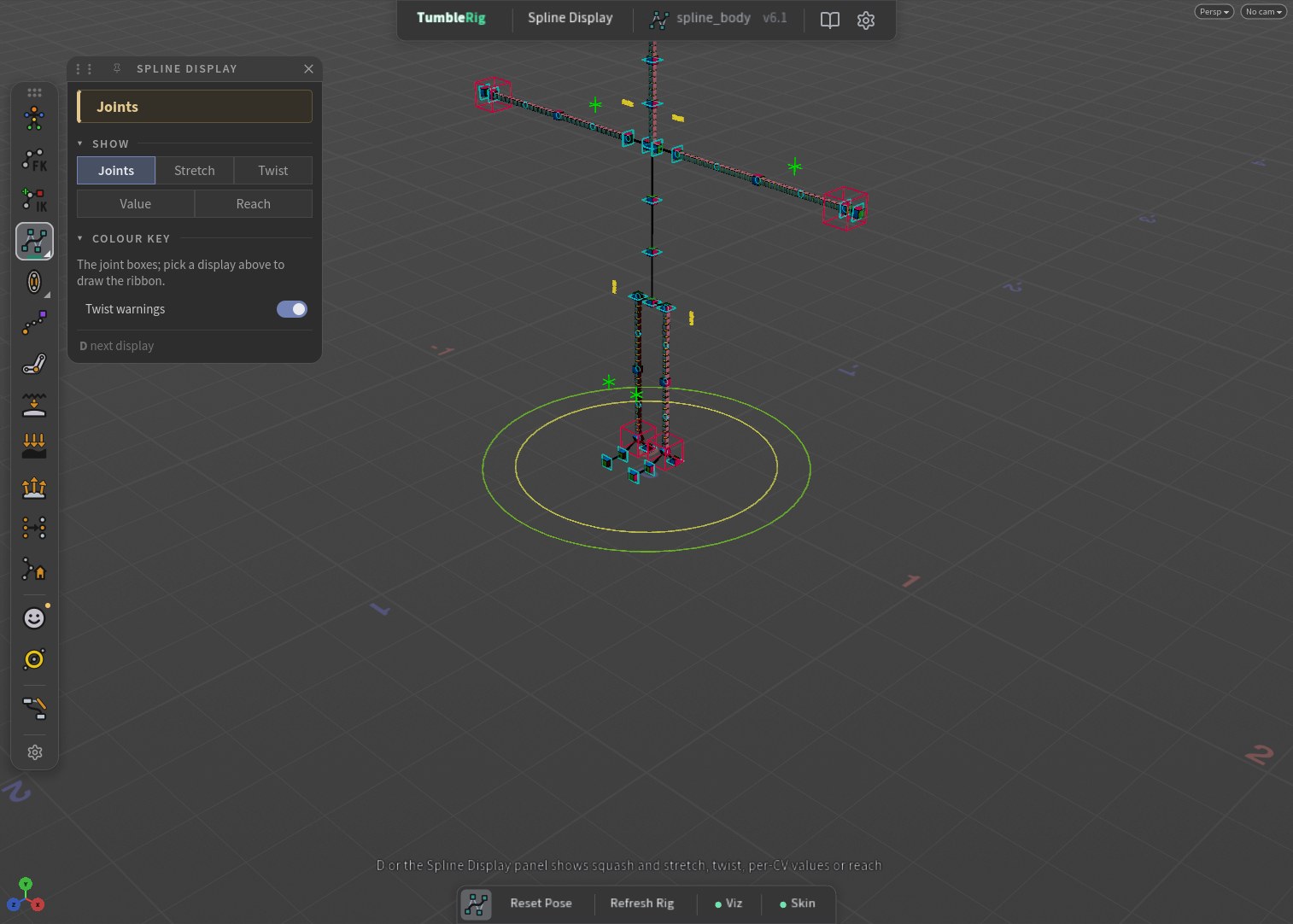
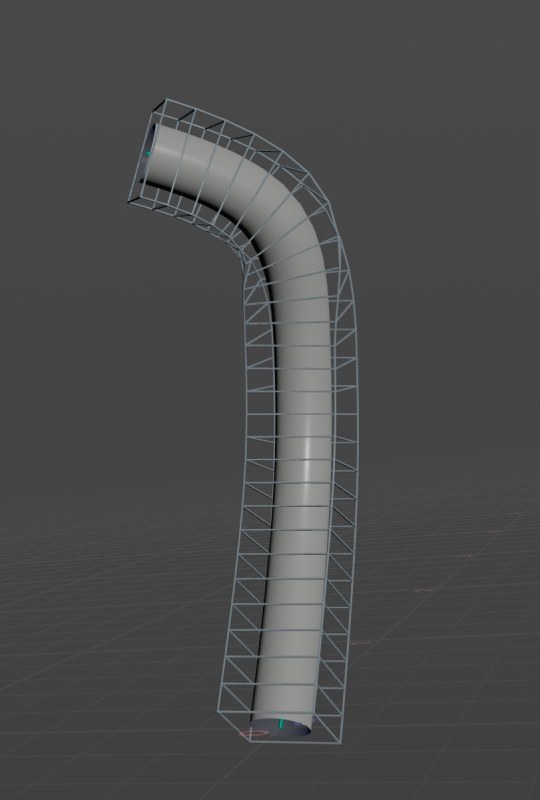
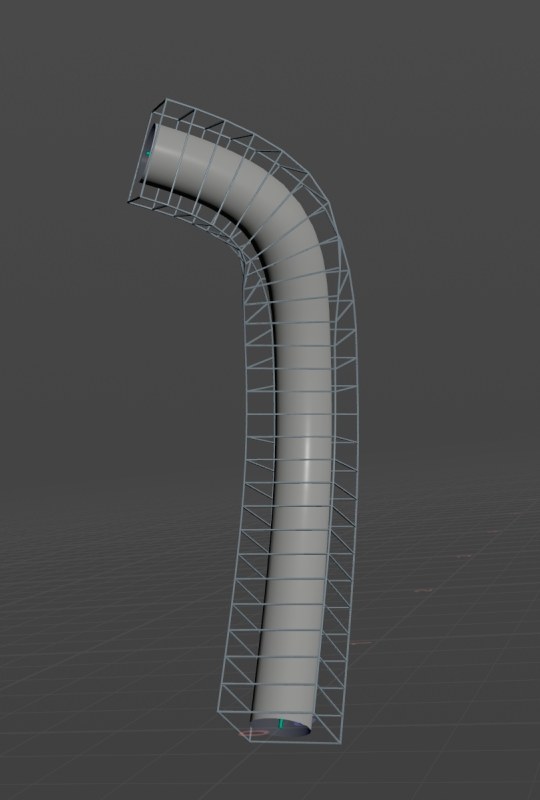
A lattice on a bent spline. The rows ride the spline's joints, so the mesh follows the curve.
Updated

Lattice along a spline, with stretch and squash

The lattice can now be built on a spline already in your rig, one row of points on each of its joints. Turn on Layer Controls and the rows widen when you squash and thin when you stretch, keeping the volume.

In depth in Deformers
Video The lattice squashes the whole eye. Drag the top row and the eye squashes; Follow Controls keeps the eye's controls on the squashed surface.
New

Follow Controls: controls that ride the squash

Squash a head with a lattice or a delta mush and the controls used to float where the surface was. A twin of each picked control now follows how the skin around it moved, and keeps following when you scale the whole character.

In depth in Controls
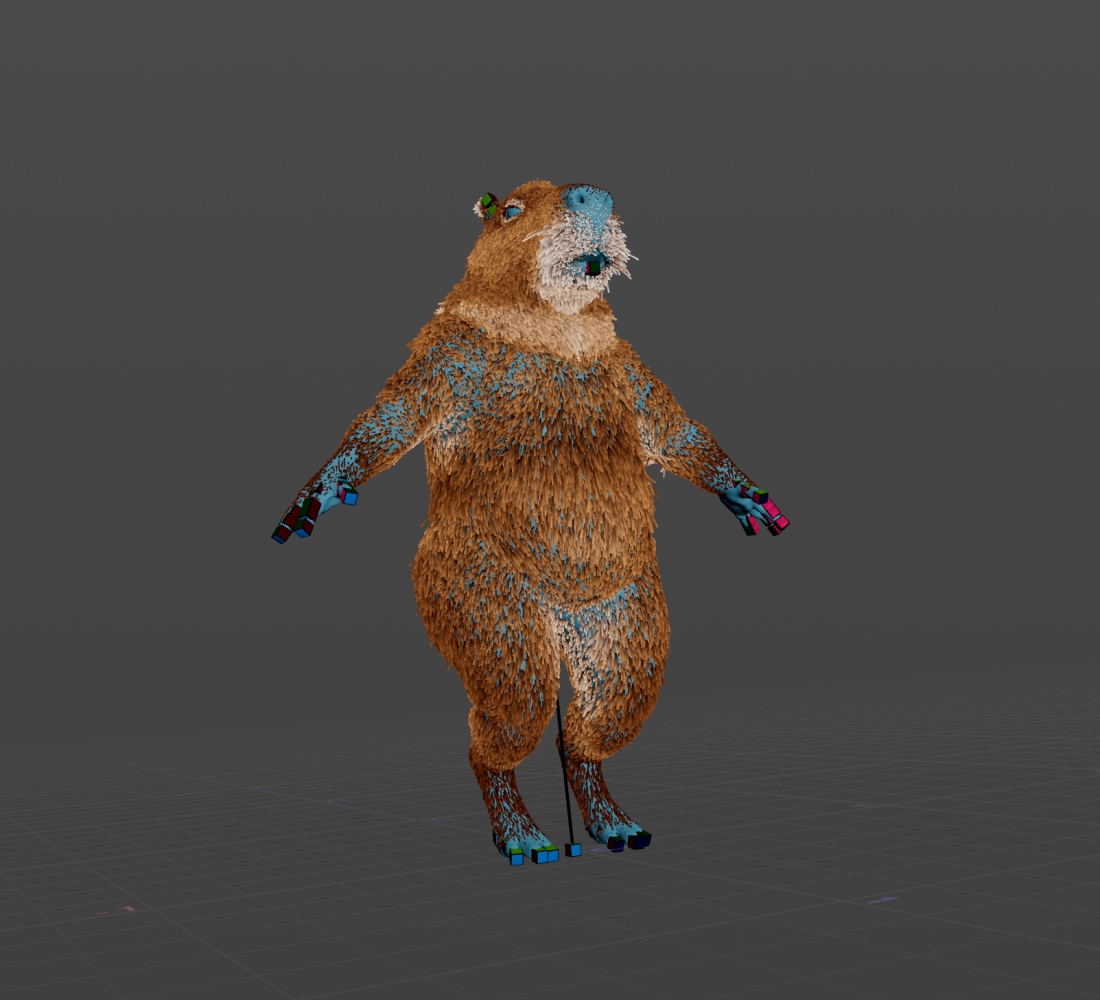
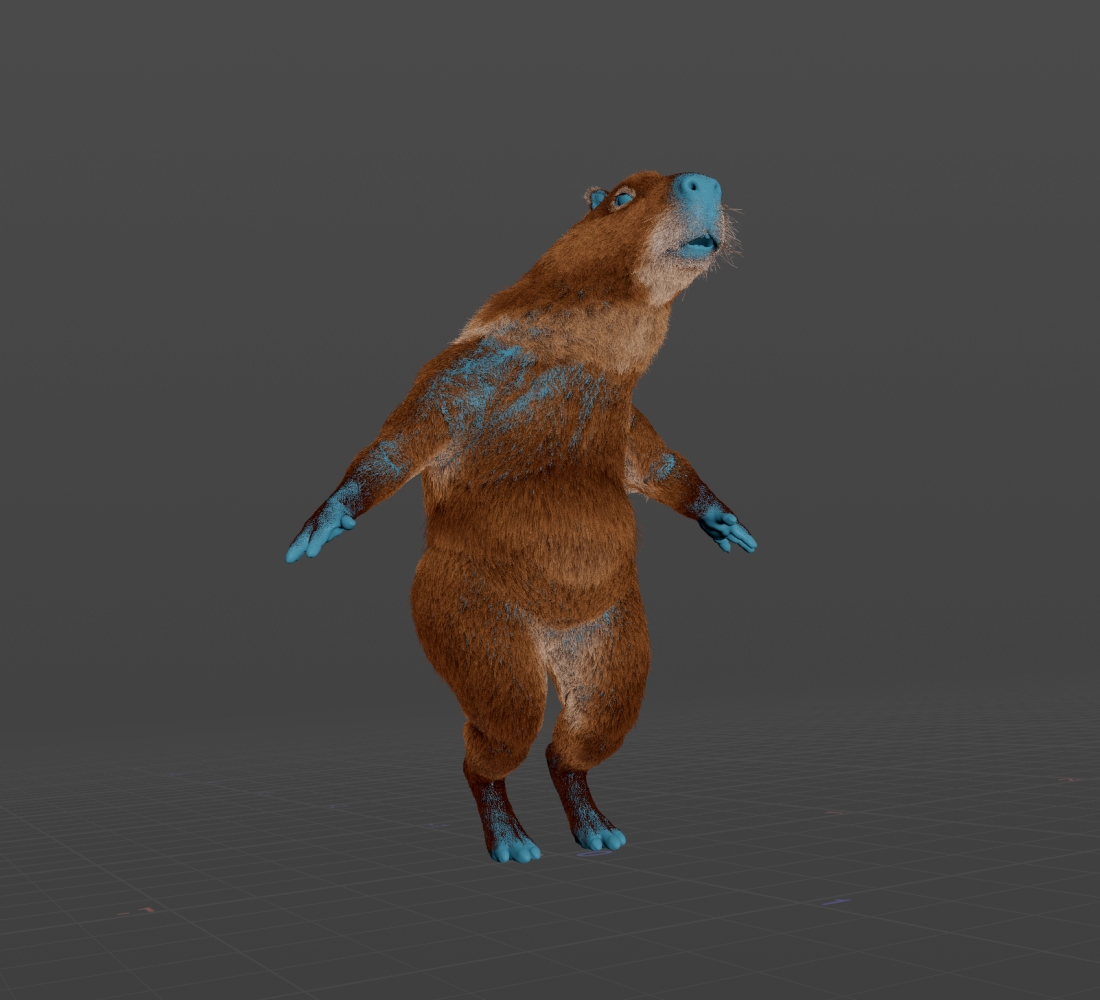
A furred character in Animate. The fur moves with the final skin.
New

Groom: hair and fur that rides the final skin

The new Groom node wraps SideFX's Add Groom and Guide Deform so a groom follows the character after delta mush and every other deformer, in Animate and out of it. Hair controls bend the hair around joints, and a preview slider makes a heavy groom about 5x faster to animate.

In depth in Hair
Video Pulling a lip corner. 3.0 tears the corner open; 3.1 keeps it closed.
New

Zipper 3.1: lips and lids that never tear at the corners

Where two chains meet, one set of corner controls now moves both, so a corner never pulls open when you drag it. The zipper also finds the lids of Eye Rig 1.2.

In depth in Face and eyes
In depth
Face and eyes

Eyes and mouths that hold together

Eye Rig 1.2 and Zipper 3.1, tested by dragging controls in the Animate state.

apex_eye_rig 1.2apex_zipper 3.1apex_blendshapes 3.1
Newth::apex_eye_rig::1.2Highlight

Eye Rig 1.2

Lids are open by default and close along a straight line when you only turn the lid controls. Seal, Zip and Seal Line close them per eye. Upper Lift and Lower Lift on the eye control lift a lid off the eyeball and stay attached in the corners. Each lid has 13 skin joints at the eye centre that only rotate, turned by one Lid Aim node per eye: about 3x faster than aim constraints.
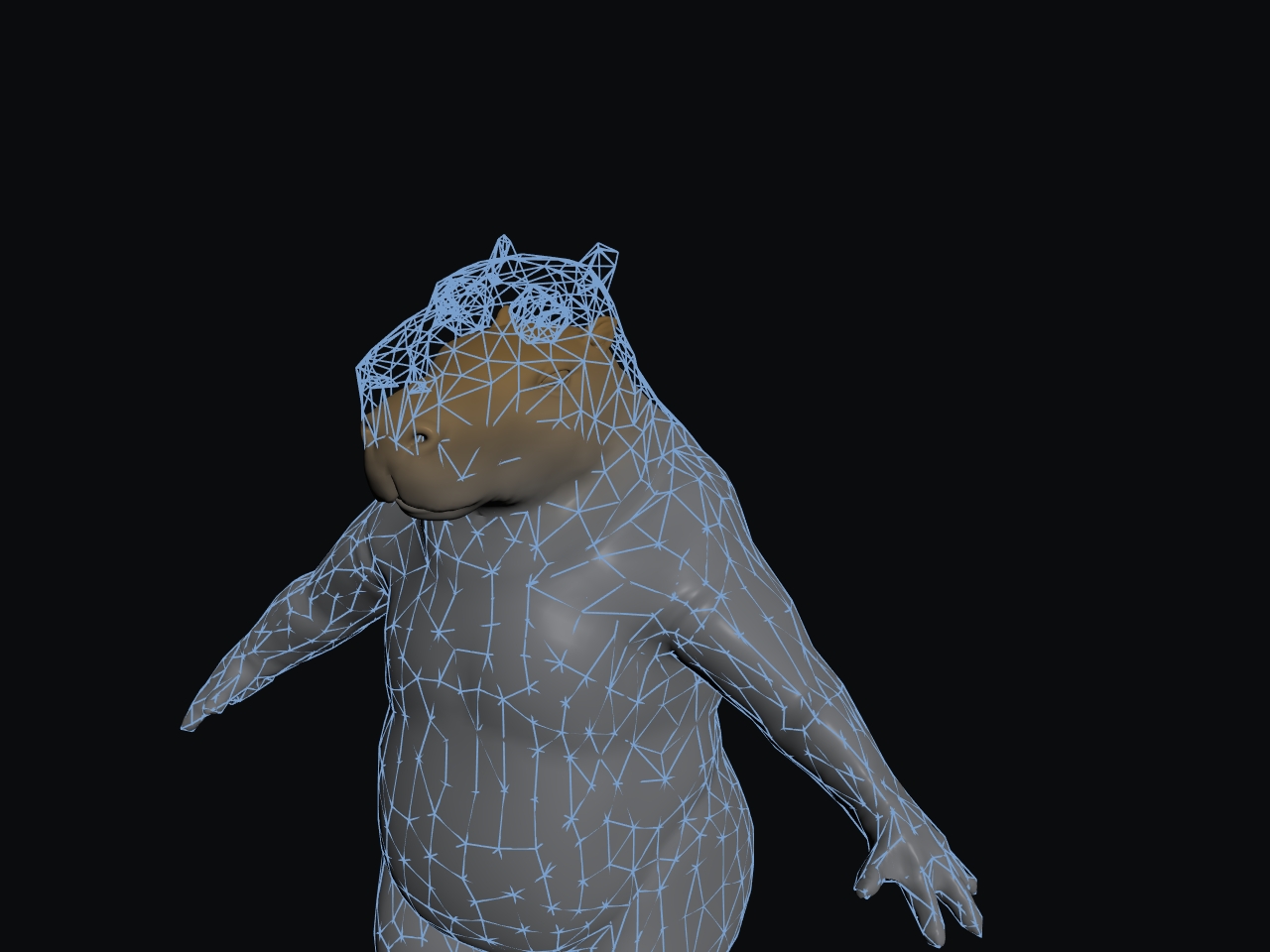
Video Lift. Upper Lift lifts the lid off the eyeball; the corners stay attached.
Video Zip. Seal and Zip close the lids per eye.
Newth::apex_eye_rig::1.2

Pupil that never stretches

Rivet Pupil (a toggle on the node): after the squash-and-stretch lattice the pupil rides the eyeball on a rivet, so a squashed eye moves and turns the pupil but never stretches it. The Rivet node now binds at rest, so eyes riveted to a head land the same whatever pose a shot opens on.

Video Dragging the pupil. The pupil follows the squash without stretching.
Newth::apex_zipper::3.1Highlight

Shared Corners

Where lips or lids meet, chain A's corner controls move both chains on every spline layer and chain B's corner controls are hidden. The zipper now finds the skeleton that holds the chains, so Eye Rig lids zip too. In 3.0 an Animator Slider row on a control that is not in the rig no longer zeroes its value, and the node warns about it.

Video Pulling the upper lip's corner. 3.0 tears the mouth corner open (0.219 apart); 3.1 keeps it closed.
Video Sealed lids. Drag the lid corner and the seal stays closed to the corner.
Newth::apex_blendshapes::3.1

Live Shapes

Wire any number of shape rigs into the third input. A Live checkbox on each shape in the Shapes table runs its deformers in the rig with animatable controls; off bakes it once, like a sculpt. A Parent Control per row lets a shape ride the head, with its corners and squash turning with it, and moving Main moves a live shape once, not twice.

A live shape under a moved Main. It moves once and keeps its squash.
Deformers

Deformers you can aim and shape

Masks on every deformer, a lattice that follows a spline, and detail that keeps its size.

apex_lattice 1.3apex_deltamush
Updatedth::apex_lattice::1.3Highlight

Lattice on a spline

Set Cage From to Spline and pick a spline in the rig: one row of lattice points sits on each joint, so the spline carries the lattice, with Row Step, Radius and Divisions to shape it. With Joints From = Joint Chain the lattice goes on any chain of joints, like an FK spine or a tail.

Rows on a spline's joints. Drag a CV and the rows carry the mesh.
Updatedth::apex_lattice::1.3

Layer Controls, stretch and squash

Layer Controls gives one control per row; middle rows follow the rows around them like a subdivision. With stretch and squash on, rows widen when the lattice is squashed and thin when it is stretched, keeping the volume, with a Distribution slider that moves the bulge between the end rows and the middle. Bezier and Nurbs interpolation work now (they ran Linear before).

Video Squash on an eye. Drag the top row down and the eye squashes, the lattice rows moving with it.
Updatedth::apex_lattice::1.3

Box Axes

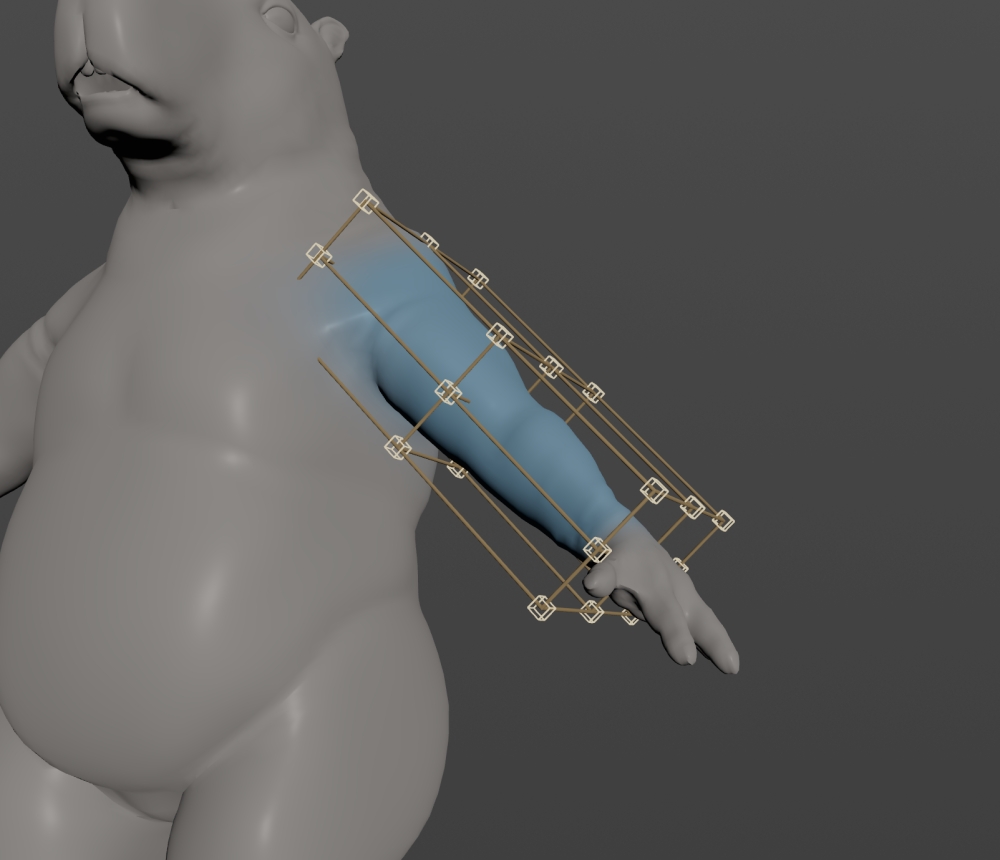
In Bounding Box mode the lattice box can line up with the part instead of the world: Box Axes = World, Parent Control or Fit to Object, plus Turn Box by hand. On an arm the box halves in size, and pinching the middle row narrows the arm instead of thinning all of it.

A turned box on an arm. The box follows the arm's axes.
Newapex_deltamush

Masks on every deformer

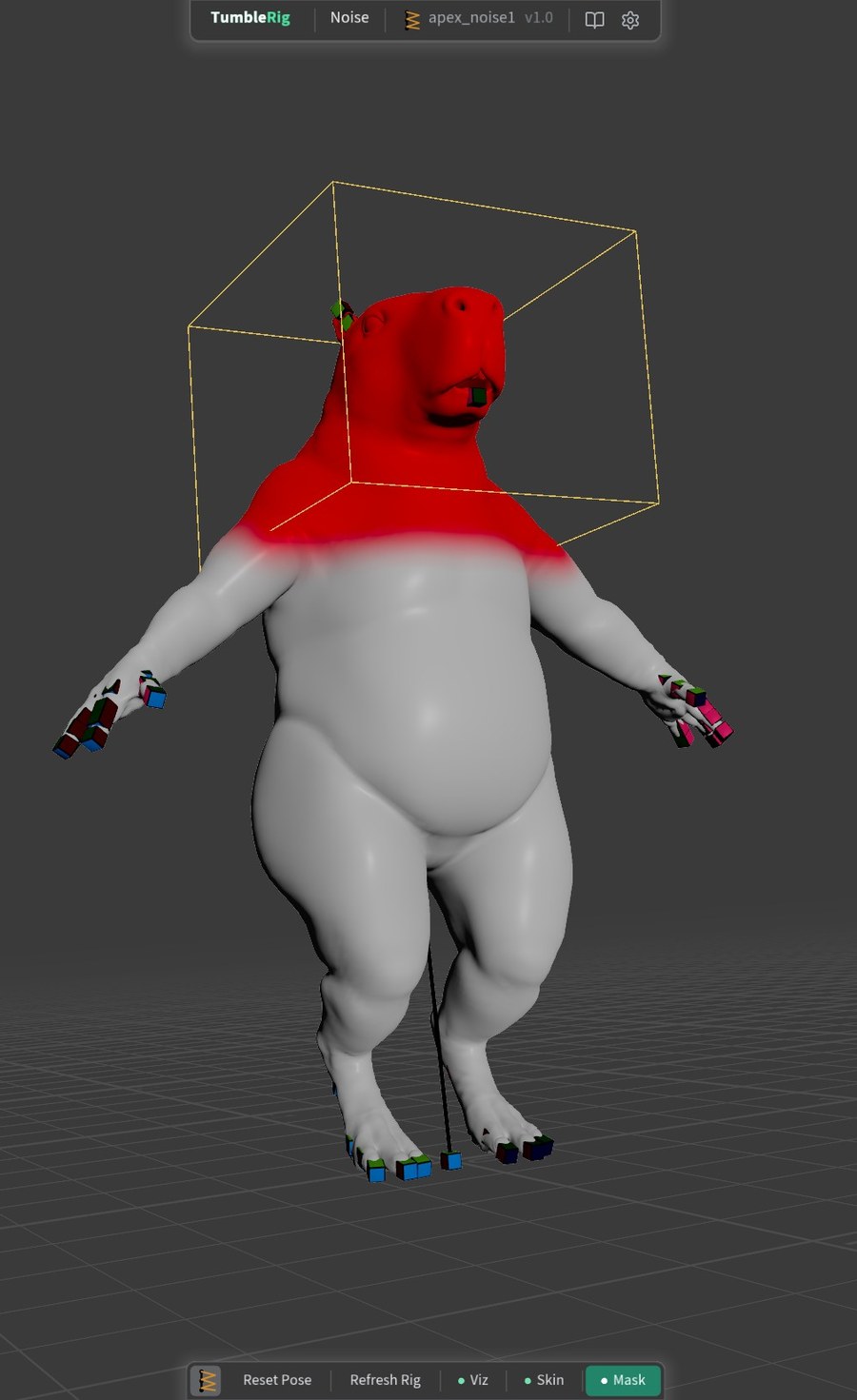
Wire any geometry (a box, a sphere) into the new Mask Geometry input and the deformer only works inside it, with a soft edge. Delta Mush, Elastic Delta Mush, Noise, Wrinkles, Solidify, Shrinkwrap, Wrap, Blendshapes and Lattice all have it, with the Joint Capture's Mask From, Region, Falloff Radius, Invert and Blur. A Mask button in the Animate footer tints the posed skin by the mask.

The Mask button. The skin is tinted by the mask while you animate.
Updatedapex_deltamush

Delta Mush keeps its detail when scaled

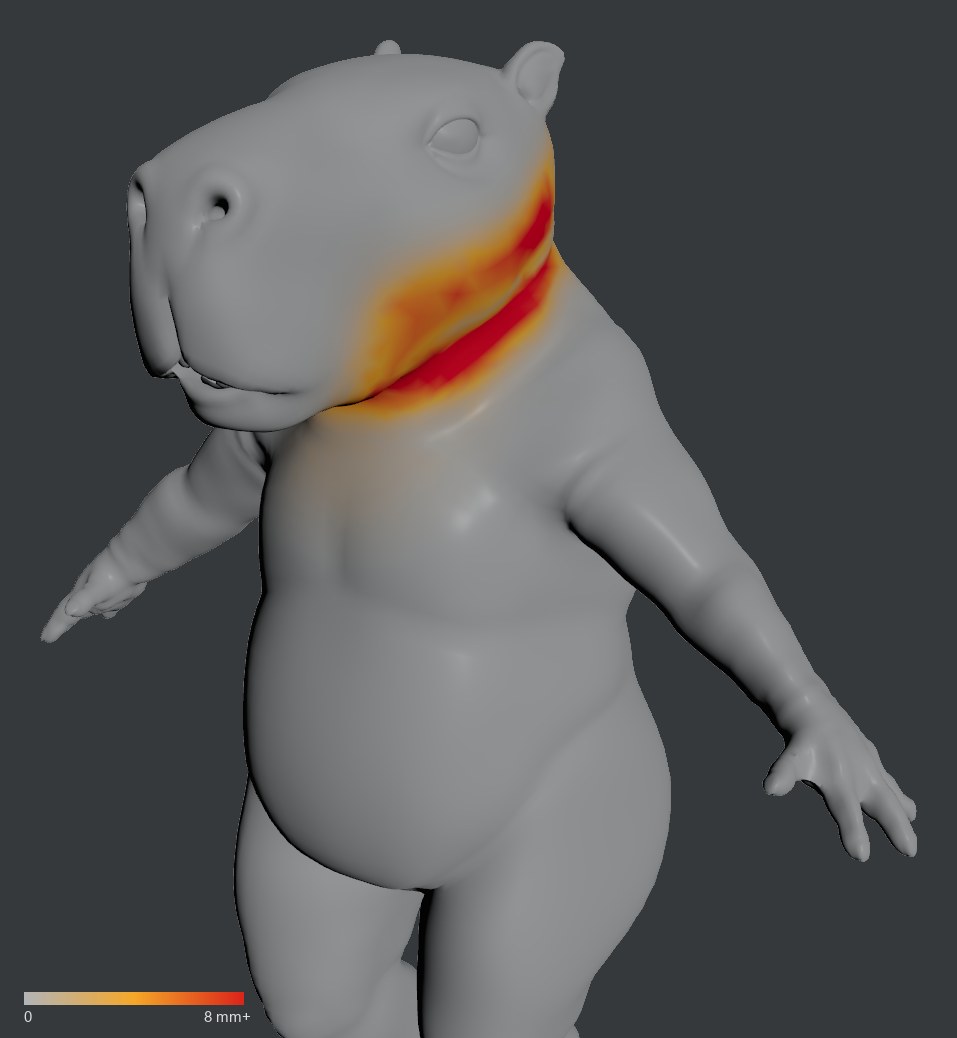
Follow Scale (on by default) on both delta mush nodes: a joint scaled up keeps its detail instead of being shaved flat (head scaled 1.5: 1.6 mm average movement down to 0.03 mm). Off gives the old result.

Head scaled 1.5. The detail grows with the mesh.
Controls and IK

Controls that go where you expect

Follow Controls, IK of any length and a Main that scales evenly.

apex_follow_ctrls 1.0apex_ik_chains 2.6apex_joints 8.1
Newth::apex_follow_ctrls::1.0Highlight

Follow Controls

Pick the controls and each gets a visible twin with the same name that follows how the surface around it moved after the skin: blendshapes, lattice squash, delta mush, noise added later. It works for face joints, IK goals, poles and spline controls on a full-body rig, and drags by hand in Animate. Keep Shape mode keeps control shapes clean on a squashed head.

Video Controls on a squashed eye. The lid control rides the squash; drag it from where it sits.
Newth::apex_ik_chains::2.6

IK chains of any length

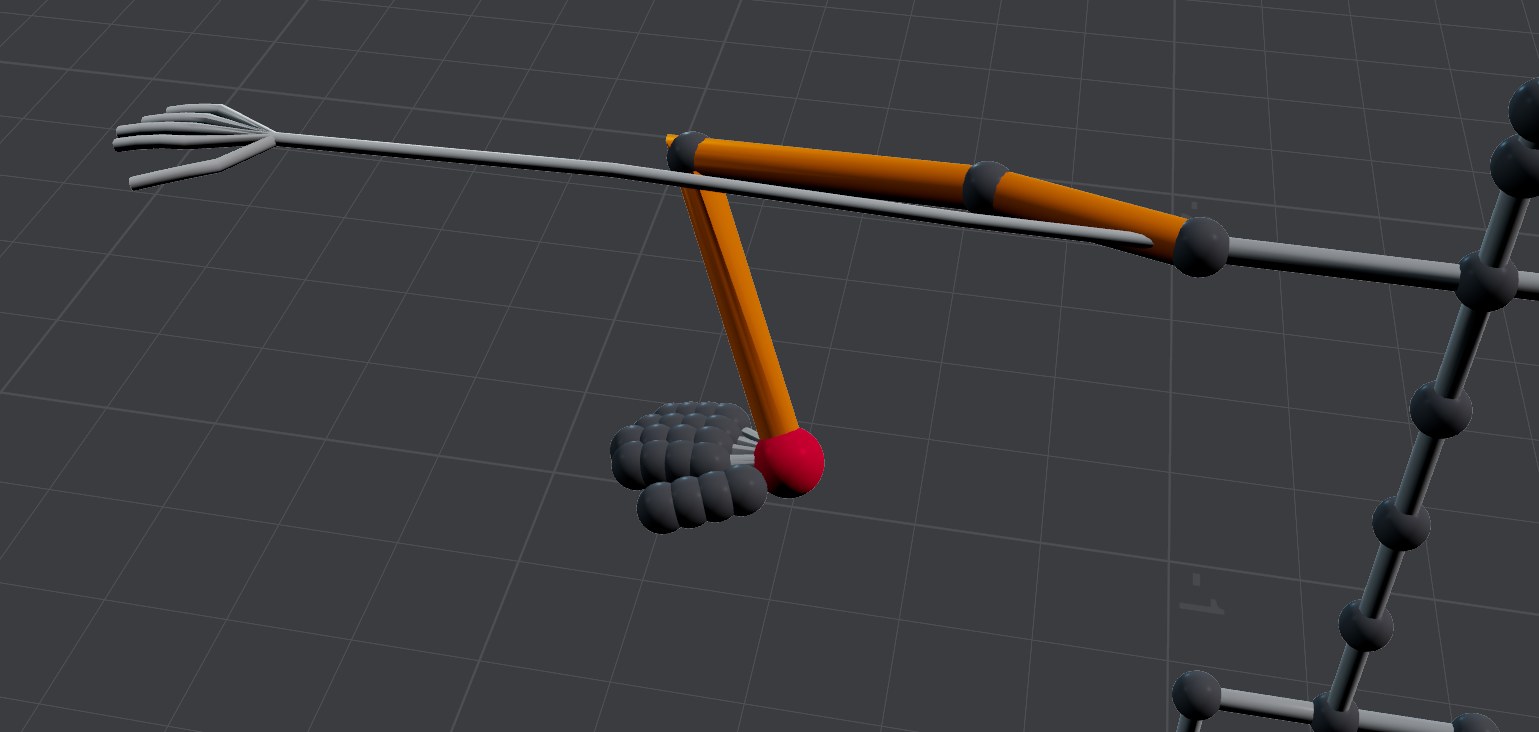
Select three bones in a row and all three get IK under one solver, with the IK control on the last joint (2.5 built IK on the first two and quietly left the third on FK). Arms and legs build exactly what 2.5 built. The Selection Group button picks bones when Geo Type is Guess.

A three-bone chain posed with IK. The goal is on the last joint.
Fixedth::apex_joints::8.1

Main scales evenly

Moving, turning or scaling Main no longer changes the pose: IK limbs solve in Main's space (every joint and mesh point follows Main to 0.01 mm in five poses), the Spline IK spine keeps Main's scale, and a scale gesture on Main scales the whole character.

Hair and fur

A groom on the character

A TumbleRig wrapper around SideFX's own Add Groom and Guide Deform.

Newth::apex_groom::1.1

Groom 1.0 and 1.1

Groom is a wrapper around SideFX's own nodes: APEX Add Groom puts your groom on the character and the core of the Guide Deform SOP moves it. We don't deform hair ourselves. What the node adds is its place in the rig: wire a groom (guide or hair curves) into the second input and it follows the character's final skin, after delta mush and every other deformer, in Animate and in Scene Invoke. 1.1 adds hair controls (chains of joints on chosen curves that bend the hair around them), a preview slider for animating a heavy groom about 5x faster, and Follow Scale: a scaled joint grows its fur.

Two grooms on one character.
Viewport tools

Tabs, size and speed

Smaller changes to the tools around the viewport.

Tool

Viewport tabs: click shows, double-click enters

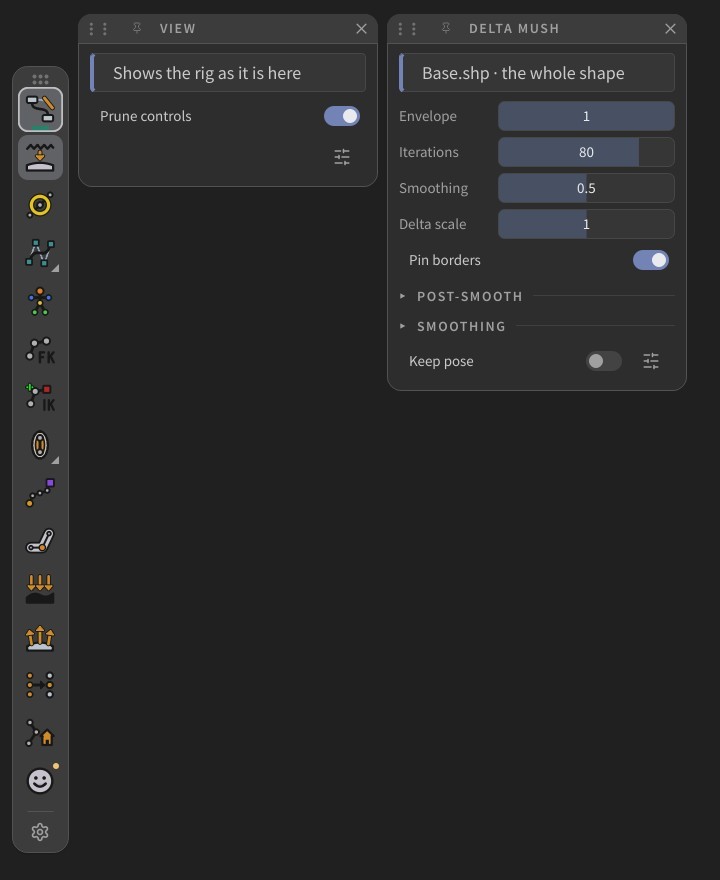
A click on a Viewport Tab shows that node's panel while you keep working in the current tool. A double-click goes to the node and enters its tool with the panel open. Tabs look the same in every placement (the floating bar, the viewport edge, across the top and on a Tool Panel's edge), and long names are shortened.

A click. The Delta Mush panel opens beside the tab bar.
Tool

Viewport UI size

TumbleRig > General > Viewport UI size (50 to 250 %) makes the header, toolbar, tab bar, Tool Panels and viewport text bigger on large or high-resolution screens, on top of Houdini's own UI size.

150 %. Bigger tools, the rest of Houdini unchanged.
Fixedout since 1.15.1

A faster Animate

The rig visualization (joint boxes, bone tubes, IK and tint overlays) is built natively, about 10x faster per update. Dragging controls on rigs with deformers is faster (the rest mesh is no longer copied on every update). Animating with face shapes no longer slows down over time: the blendshape node kept a new copy of its GPU buffers for every rig update. Setting a key is about twice as fast.

Updated

Control colours

The controls family (Quick Actions, Offset Controls, Visibility, Rig Defaults) is ochre now, so each family reads at a glance in the network. Saved scenes pick it up when they open.

For existing scenes

Upgrading

New versions install next to the old ones, and a saved scene keeps the version it was built with until you swap the node. Some nodes changed in place, see their rows.

NodeWasNowWhat to know
apex_eye_rig1.11.2Lid joints sit at the eye centre and are turned by a Lid Aim node; it has a Rivet Pupil toggle. 1.1 stays installed for saved scenes.
apex_zipper3.03.1Shared Corners is on by default: chain B's corner controls are hidden. Turn it off for 3.0's behaviour.
apex_blendshapes3.03.1Adds Live Shapes and a third input. 3.0 stays installed.
apex_ik_chains2.52.6Chains of any length; arms and legs build what 2.5 built.
apex_groom1.01.1Hair controls, a preview slider and Follow Scale.
apex_lattice1.31.3Changed in place: Spline and Joint Chain modes, Layer Controls, Box Axes and Mask Geometry are off by default, so saved scenes deform as before. Interpolation now works and defaults to Linear.
apex_deltamush1.01.0Changed in place: Follow Scale is on by default, so a scaled joint keeps its detail. Turn it off for the old result.
From the commit history

Every change

68 changes since v1.15.0

New in 1.16.0 (61)

  • apex_rivet 1.0: bind at rest -- wire the rest skeleton and rest surface into cuda_rivet
  • apex_eye_rig 1.2 pupil_rivet: drop a wrong comment (the empty rig was the apex_boxit rename, fixed in 4ec93a71)
  • apex_eye_rig 1.2: Rivet Pupil -- the pupil rides the squashed eyeball on a rivet and never stretches
  • apex_boxit 1.1: rename a box input to rest_shp / rest_skel only when that __parms__ node really has Base.shp / Base.skel
  • cuda_rivet: pass the skeleton through every cook, so the joints that are not riveted and the roll reference follow the rig
  • cuda_rivet: optional Rest Skeleton / Rest Surface inputs, so Bind to Surface captures at rest whatever pose the first cook sees
  • apex_eye_rig 1.2: Upper / Lower Lift fade to 0 at the lid corners, so a lifted lid stays attached
  • apex_eye_rig 1.2: lid rims overlap 2 deg past the equator so closed / sealed lids leave no slit
  • apex_eye_rig 1.2: lids close along a straight line when only the lid controls turn; rim capture so the lid mesh follows its curve
  • apex_eye_rig 1.2: Upper Lift / Lower Lift on the eye control (Follow Controls orphaned the lid Lift sliders in Animate); zipper slider note corrected
  • apex_eye_rig 1.2: zipped open lids skinned from the eye centre (th::aimJoints), Dual Quaternion, squash lattice, Follow Controls, Position
  • th::aimJoints::1.0: many joints aimed at their targets in one node, written into the skeleton
  • cuda_bonedeform: Dual Quaternion keeps uniform joint scale (CUDA and OpenCL)
  • apex_zipper 3.1: Shared Corners takes the corners in chain order
  • apex_lattice 1.3: Box Axes, a lattice box that lines up with the part
  • apex_zipper 3.1: Shared Corners (one control per lip/lid corner on every spline layer) and zipping in any skeleton (eye-rig lids)
  • Viewport tabs: a click on Shapes or Joint Capture shows its own panel
  • Viewport tabs: a click shows the node's panel, a double-click enters its tool
  • Deformer masks: wire any geometry into a deformer's new Mask Geometry input; Mask button in the Animate footer
  • apex_zipper: I/O map entry describes 3.0 (one input); test baseline re-captured on 3.0
  • apex_zipper 3.0: a slider row on a missing control no longer zeroes its value; the node warns about missing slider controls and chains that match nothing
  • apex_ctrls tab and header read Quick Actions, like its panel
  • apex_lattice 1.3: an empty Joint Parent follows Main again
  • apex_groom 1.1: hair controls, a preview for Animate, Follow Scale
  • apex_blendshapes 3.1: no double transform for live shapes; row Parent Control
  • apex_lattice 1.3: World mode works again; lint for BindInputs assigned in a block
  • apex_groom 1.0: a groom (guides, hair, fur) on the character, deformed with the final skin
  • apex_ik_chains 2.6: IK chains of any length; selection_pattern counts only bones
  • apex_ik_chains Group picker: Geo Type Guess picks bones
  • apex_lattice 1.3: Joints From = Joint Chain, the lattice on any chain of joints (an FK spine, a tail), with Stretch and Squash
  • apex_blendshapes 3.1: operator index entry + node thumbnail
  • apex_blendshapes 3.1: Live Shapes, a Live checkbox on every shape a rig makes
  • apex_lattice 1.3: Stretch and Squash for the row controls, Point Controls switch, control look, Interpolation defaults to Linear
  • th::cuda_lattice: Bezier and Nurbs interpolation (they ran Linear before), CUDA and OpenCL, box and Any Grid rest
  • apex_lattice 1.3: Layer Controls help says what it does in both modes (one control per row on the spline in Spline mode)
  • apex_lattice 1.3 Cage From Spline: corner controls were invisible in Animate (zero-size rest transform); they now take their row's frame
  • apex_lattice 1.3: Cage From Spline, a lattice built on a spline already in the rig, one row on each of its joints, carried by the spline
  • th::cuda_lattice: Any Grid rest mode, a rest cage of any shape (bent or turned) bound once per point, so a lattice can follow a curved spline
  • Follow Controls: followed controls land under the cursor in Animate (drags were solved against the parent from mouse press: a nose in a squash landed 16 px off on 150 px, Keep Shape 20 px; twins now carry startdrag/enddrag callbacks that refresh the parent after every evaluation, 0.8 px, 0.46 ms)
  • apex_lattice 1.3: Layer Controls, one control per row with middle rows following like a subdivision
  • Viewport tab settings: remember a missing TumbleTrove (the failed import searched every sys.path folder on each read, about 3 ms per Animate drag update from the tab rail and Tool Panel timers)
  • Viewport HUD only in TumbleRig's own tools: nothing in a Scene Animate
  • Follow Controls: followed controls drag by hand in Animate (the transform handle came up centre-only for nested controls)
  • Main controls scale only evenly: every scale gesture scales the whole character (Y or Z drags used to do nothing)
  • IK limbs: solve in Main's space, so moving, turning or scaling Main cannot change the IK pose (was up to 0.19 mm at Main 1.6)
  • Spline IK 1.2: the spine keeps the Main scale in IK (the guide's fit joints came out unscaled)
  • Delta Mush and Elastic Delta Mush nodes: Follow Scale toggle (on), next to Delta Scale; test
  • Delta mush: Follow Scale (on by default). The details grow and shrink with the mesh, so a character scaled by its main control, or a scaled joint, keeps its look
  • Follow Controls: any control follows (IK goals, poles, spline controls, nested or top-level), shared bind cache for Animate's fresh contexts, full-body fixture + tests (35 checks; Main scale 0.5/1.6)
  • Follow Controls: Keep Shape mode (position from the full surface fit, frame turns only: clean shapes and handles on a squashed head); test 28 checks
  • Follow Controls: fixture + 26-check test + baseline, icon (ochre ctrls family), help, Node Panel spec, catalogue entries, operators + thumbnails, hda-reference
  • Follow Controls: say why a control was skipped (no such control, not a joint, already follows, same Name upstream) as a node warning
  • apex_ctrls 2.0 Quick Actions: a colour theme pick no longer rebuilds the Animate scene
  • apex_ik_chains 2.5: default Selection Group covers arms and legs
  • Viewport UI size: TumbleRig's viewport HUD scales on top of Houdini's UI size
  • apex_ik_chains 2.5: default Selection Group uses Fit Skeleton names (*_shoulder *_elbow *_wrist)
  • cuda_blendshapes: GPU state lives in the node's RunData, freed with its graph
  • Viewport Tabs: only TumbleRig nodes in Recent
  • cuda_wrap: keep a tet driver's shell across re-binds (Bind Every Cook 5.5 -> 2.3 ms)
  • Spline 7.0: a call whose inputs didn't change hands back its last outputs
  • Delta Mush: the deformed-pose smooth replays as one CUDA graph

Shipped in 1.15.1 (7)

  • Rest mesh: scale by Main only while Main is scaled (th::utils::restMainScale)
  • Viewport Tabs: one look on every placement, the floating bar's
  • Tool header: the node's icon in front of its name
  • Viewport Tabs: every placement and label style fits and reads
  • Hide the viz Alpha parm on apex_joints 8.1, IK Chains 2.5, IK Spline 1.2
  • apex_joints Tool Panel: drop the Opacity slider (the rig viz is opaque)
  • Rig viz in one native step (th::rigviz::1.0), no transparency