TumbleRig 1.25

Highlights

In depth

The shared TumbleTrove kit

One HUD and one sim system for every TumbleTrove tool.

Under the hood
Updated

TumbleRig on tumbletrove/kit

TumbleRig's viewport HUD (the header, the button band, the hint line, the docked Tool Panels and the overlays) and its sim system (update modes, Live Tick, Play From Start and forced Start) now come from tumbletrove/kit. Wobl, hModel's PolyDex and GPU Sculpt use the same package. hpm installs it with TumbleRig, so there is nothing to do. Tools behave as before.

  • This is also the first TumbleRig built from its new home, the tumbletrove organisation, with the new release pipeline.
Updated

The Skeleton tools in GPU Sculpt's look

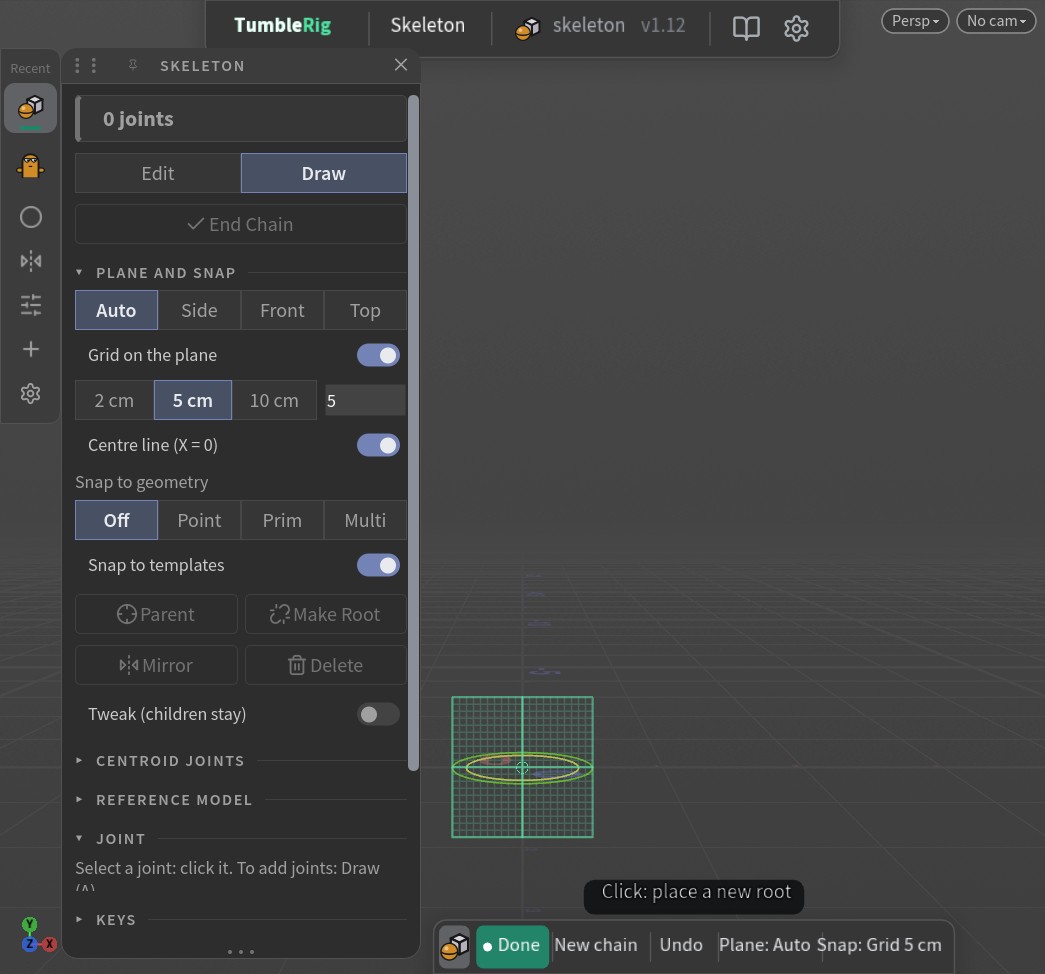
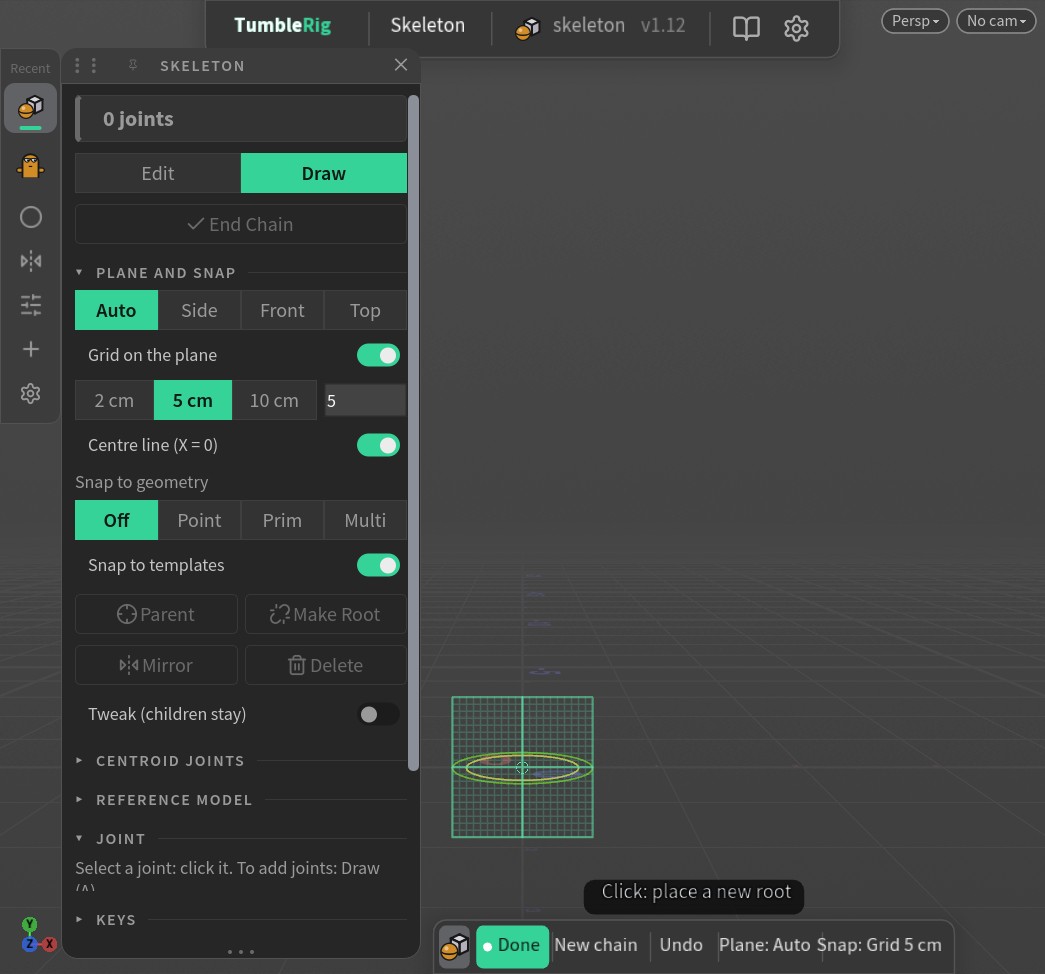
The Tool Panel goes charcoal, with no blue. Picked options and switches turn TumbleTrove green with dark text, and the header's accent and the Done chip are green. Skeleton, Fit Skeleton, Fit Skeleton Markers, Orient Joints, Skeleton Doctor, Tags and the rest of the Asset Browser's Skeleton section switch first. The other families follow one at a time.

Now. Charcoal panel, TumbleTrove green picks, green Done chip.Before. Blue Tool Panel, blue picked options.BeforeNow
Before Before. Blue Tool Panel, blue picked options.Now Now. Charcoal panel, TumbleTrove green picks, green Done chip.

Sims that match after a jump

Jump to any frame and read the rig.

Sims
New

Catch Up After a Jump

A rig with sims inside it (Motion Effects, the Temporal family) used to be off when something started reading it mid-shot: a SOP Import, a File Cache, a render on the farm. Now, after a jump, each sim replays the frames it remembers (its lookback) in the chain, so a read from the middle of a range matches playing from the start.

  • Find it in the Sim menu: Catch Up After a Jump. It is a scene setting, on by default. Turn it off and the sims go on from wherever they are.

Animation Noise and Copy View

Noise on 3s, and a cleaner view to copy.

Animation
Updated

Animation Noise 2.3: Hold Frames

Each noise row has a new Hold Frames value, after Frequency. The noise is read every N frames and held in between, so a jitter can change only every third frame, on 3s. With Shape Jitter it sets how long each value is held, and Frequency is greyed out. 0 works as before. A held value stays flat between keys.

  • Asked for by an artist. Version Update notes the change.
Updated

Copy View

The Channel Box's Copy View, a floating copy of the Scene Viewer, now has no Houdini header. A HUD on/off eye sits in the top left, and a camera menu in the strip. It draws the camera overlay and composition guides, and redraws only when something changes.

Masks on Wrap, Smooth and Sphere Inversion

Masks that do what they say.

Masks and fixes
Fixed

Mask Shapes on Wrap

With Driven Source set to Second Input, Wrap masks its Driven Mesh, but Mask Shapes used to feed Mask Primitives the character, so the driven mesh got no mask and Wrap ran at full effect. Now Mask Shapes feeds Mask Primitives from the Driven Mesh, and the mask lands on it.

  • With no Driven Mesh wired, the button makes nothing and tells you to wire it first.
Fixed

Smooth and Sphere Inversion masks

The masks on Smooth and Sphere Inversion keep their effect when the mask is on and no source is wired.

Upgrading

New versions install next to the old ones; a saved scene keeps its version until you update it. TumbleRig now installs tumbletrove/kit with it.

Every change: 52 commits since v1.24.0

New in 1.25.0 (52)

  • Smooth and Sphere Inversion masks: Smooth keeps the skin with the mask on and no source, Sphere Inversion's mask works
  • hud_looks: TumbleRig's tools wear GPU Sculpt's look family by family (ttkit.hud step 5)
  • The viewport HUD comes from the kit (ttkit.hud, tumbletrove/kit 0.3.0)
  • Copy View: a camera menu in the strip
  • Cut the overlay windows and composition guides out of camera_hud for the kit
  • Copy View: HUD on/off eye in the top left, redraw only on change
  • Copy View: no Houdini header, the th_camera overlay and composition guides
  • HUD cut (ttkit.hud step 2): the generic viewport HUD out of state_ui / rig_subtool, behind hooks
  • Rig sims catch up in the chain: sim_start.settle, on every jump, lookback per node
  • Sim menu: Catch Up After a Jump from the sim replay (ttkit.sim_replay, else sim_start's add_menu_item)
  • The sim system's Python half comes from tumbletrove/kit (ttkit.sim, kit 0.2.0)
  • Tool Panel keys: a folded Keys section, one key per row as keycaps (no run-on line at the bottom)
  • Pick buttons on 24 more group parms that had none (19 nodes)
  • IK Chains 2.21: a limb whose joints are exactly in a line gets a pole in front (knees) or behind (elbows), and the node says so
  • IK Spline 1.23: limb menus for its own box only, and a Limb Menus (2D) toggle
  • qt_theme: the panels' palette and stylesheet out of apex_ctrls_qa (kit cut 1)
  • Add Selected works with two viewers: read Animate's selection from the viewer that runs Animate
  • Channel Box: other packages' tools register their viewer state (register_tool_state), so the panel never edits nodes behind them
  • Animate (Channel Box on, 22.0.488+): constraint tool settings load again; exit no longer raises 'callback not in list'
  • Skeleton tool: the bone from a chain's first joint to its upstream parent is drawn before the rig gives that joint
  • Skeleton tool: a middle click starts a new chain outside Draw too, and survives a wobble
  • Blender Hotkeys: X / Y / Z lock the grab's axis again with TH Radial installed
  • Channel Box: Copy View button (SideFX's Copy Viewport)
  • Apex Skinning: Weights button in the Animate tool colours the posed skin by its capture weights
  • Channel Box typed field and Camera panel Pick filter on Qt's windows, not QApplication
  • One crash trace per process: notes go into TumbleTrove's trace; GC probe never undoes TumbleTrove's GUI-thread GC
  • Skinning 2.0 audit: Skin Group / Capture Joints menus, honest match labels, artist help, panel and Mask fixes
  • Apex Blendshapes 3.8: packs the rest mesh (Base.shp) itself when the stream has none
  • Skeleton tool: Auto Shapes toggle in the button row
  • Help: Wheel 1.3 gets its title, header, summary and Overview
  • Skeleton tool: no evaluation of its own after a rebuild, and the small move handle stays
  • Channel Box: an idle tick repaints nothing; Animation and Display Layers keep their rows
  • Skeleton tool: click the skeleton, no modes and no hotkeys needed; six buttons; a one-screen panel
  • Skeleton tool: a click on a shape selects it again with Handle Style Dots (UX audit)
  • Smooth 1.1 and Blendshapes 3.7: Group takes a primitive group or @name region, and their Group menus list them
  • Joint Capture / Capture Blur tools draw Capture Weights themselves, so they show with the viewer's Visualization button off
  • Group menus list regions named on primitives (Wrinkles, Subdivide, Delta Mush, Elastic Delta Mush, Peak, Normals, Remesh)
  • Animate tools: Ctrl+M mirrors, Shift+I matches, so M stays Houdini's handle alignment
  • Channel Box: Shift+click on a channel label selects the range from the last picked row (Maya); Shift+click on the number still keys
  • IK Spline 1.22: the limb menus come from a smaller program (same rig)
  • IK Spline 1.21 / Apex Spline 6.18: operators, thumbnails and tool files regenerated (preflight)
  • IK Spline 1.21 / Apex Spline 6.18: the Roll Profile step stops reading and writing the rig for nothing
  • IK Chains 2.20: the skeleton bone walk visits each bone once (was 2^k for k bones on one joint)
  • node_key: stop re-hashing locked models on every node cache walk
  • Animate no longer keeps every old Animate state alive (the upstream reload watch leaked them and reloaded dead ones)
  • Channel Box frozen during playback; drag_bench drags + alternated playback cases
  • Channel Box: a constraint's Blend and offsets are rows in Extra, not SideFX's constraint panel
  • Main on Houdini 22.0.466 like the release line (since 1.22.8): subgraphs and precompiled scripts recompiled at 466, probe fix (3772ebdc7), macOS skips the Vulkan line-style hook (0d3125855), 1.24.1 page entry and What's new link, kept-source entries, version 1.24.1
  • Optimize gate: exports, caches and publishes from the GUI (TUMBLERIG_SIM_FORCE_START=1) get everything
  • Deterministic Start for every sim outside the interactive GUI
  • Channel Box: K with no channel picked keys every channel
  • cuda_wrap: dense drivers bind to the right triangles (capture grid covered only part of the driver)